In my last blog, I told you that five cameras are used to produce a Texas State basketball game for ESPN+, three stationary cameras and two portable shoulder-mounted cameras which are located on the arena floor. Today I am going to talk about the two-floor cams. The floor cams are known as Cam 3, which is located on the visitor bench side of the court, and Cam 4, which is on the opposite side by the home bench. These cams are the two main cameras that I operated during home games. When I started working with the broadcast team, I shadowed at Cam 3 and have enjoyed it ever since.

In the first couple of games I operated Cam 3 and Cam 4, I thought all I had to do was sit under the goal and get the required or requested shots. The Video Production Coordinator, Mark Osmena, my co-workers, Aidan Gonzalez and Jason Benavides told me operating a portable cam was not just getting the shot, but making the shot exciting. They told me that I needed to move around the court to get a more desirable shot from different angles. I needed to get close to the players and action without interfering with them since that is the purpose of Cam 3 and Cam 4.

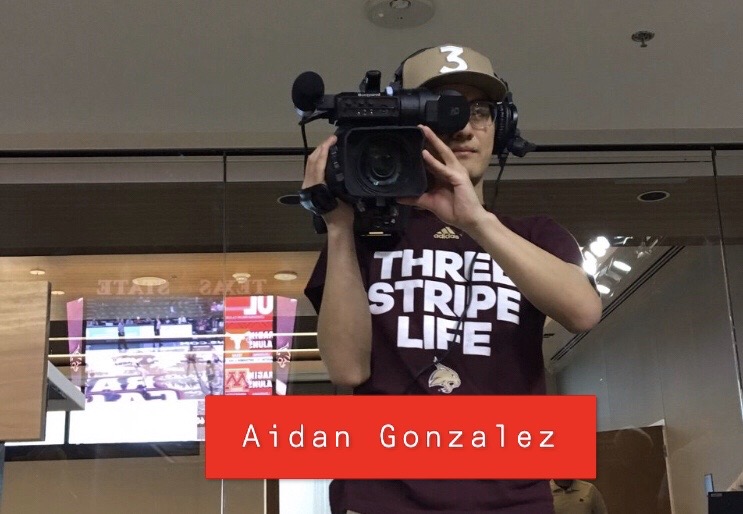
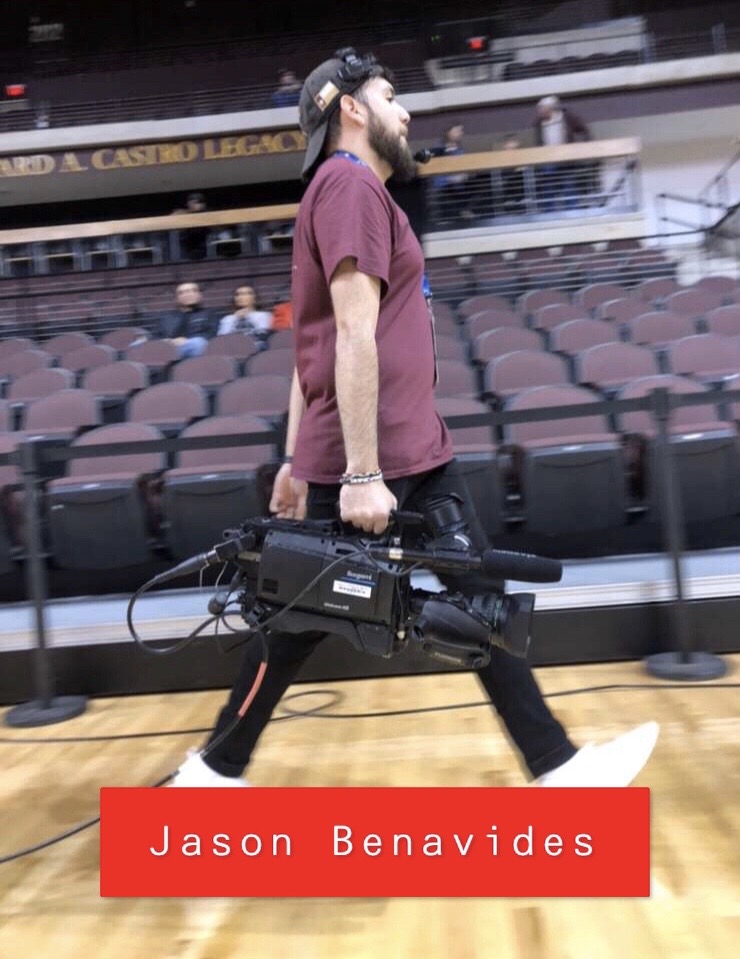
The job of Cam 3 and Cam 4 is to capture everything happening on the floor and to get into the action. These cams are in charge of pre-game intro and post-game interviews. They are also in charge of filming the starting five players for the big screen of Strahan Arena. Cam 3 will film the visiting starters and cam 4 will film the home starters. As soon as cam 3 is done filming the starters for the visitors, the camera operator will then walk over to the talent, which is the broadcasters, so that they can film the opening. While cam 3 is doing this, cam 4 is filming the starters for the home team. After all this is done and the game is starting up the operators will make their way back to their position, which is under each goal. The cameras can get heavy, so the operator will switch with their assigned partner and take over their new role as the cable page. The cable page’s job is to roll and unroll the cable of the camera so it does not get tangled or somebody trips over the cable. Having a cable page allows the camera operator to move around the court to capture crowd shots for the big screen and get inside the huddles without having to worry about the cable or the cable getting tangled. This is all done while getting constant orders from the control room through headsets.
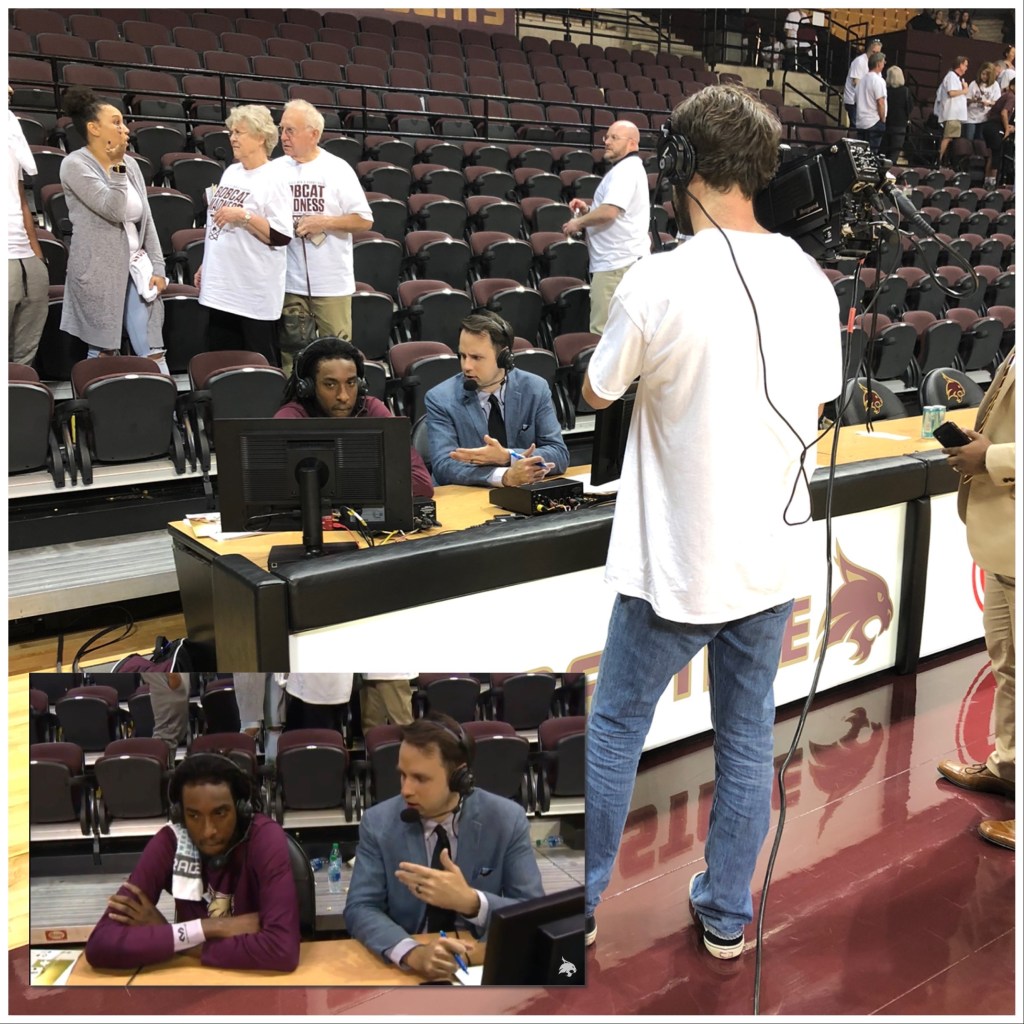


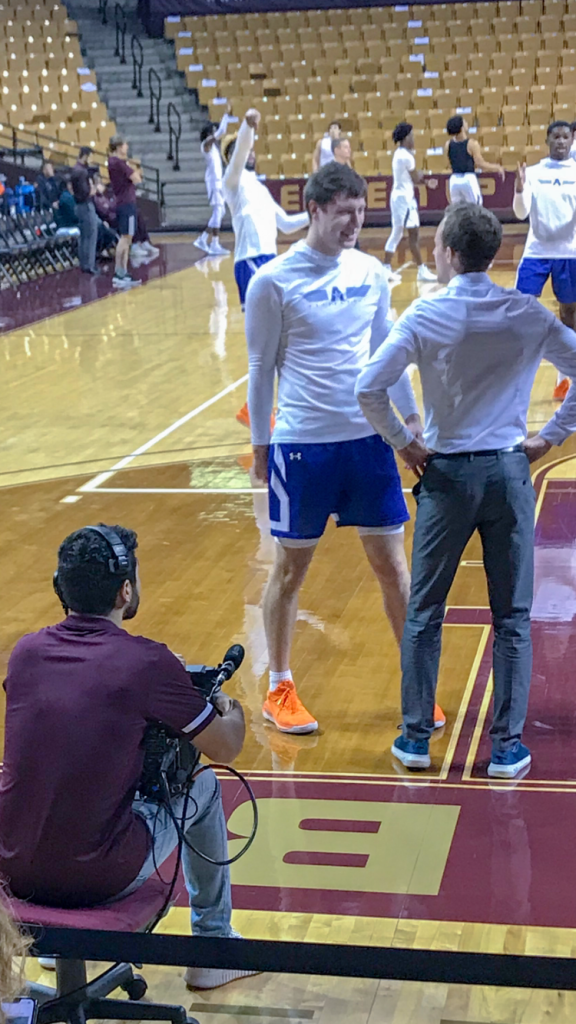
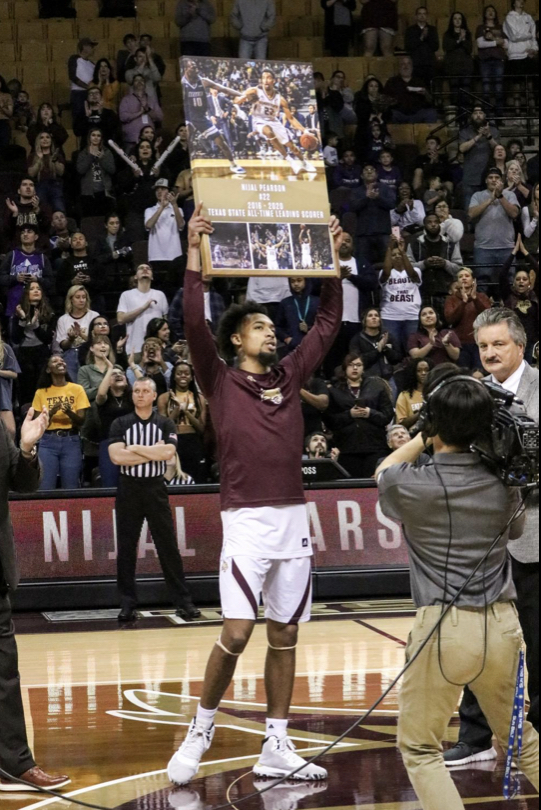
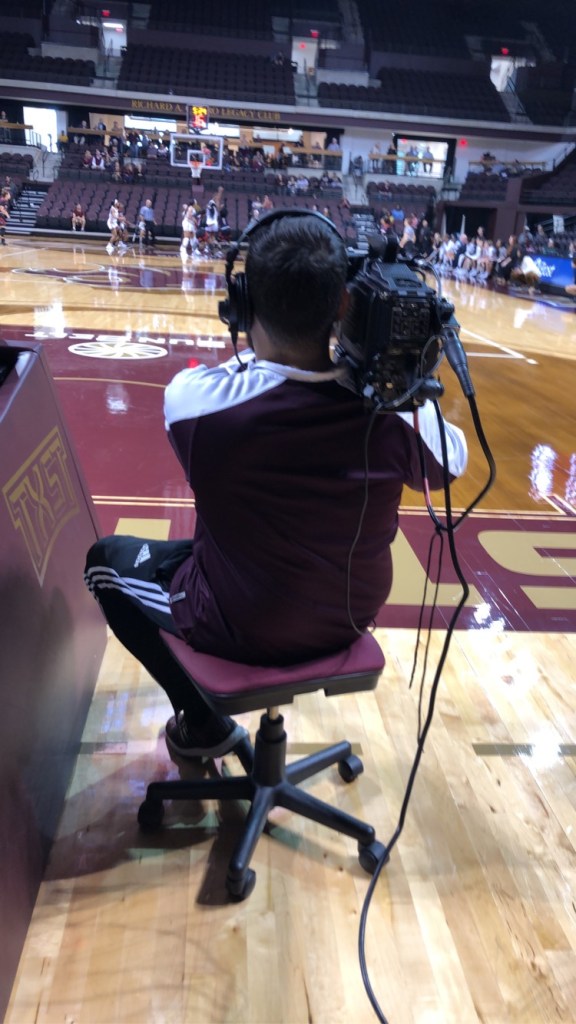
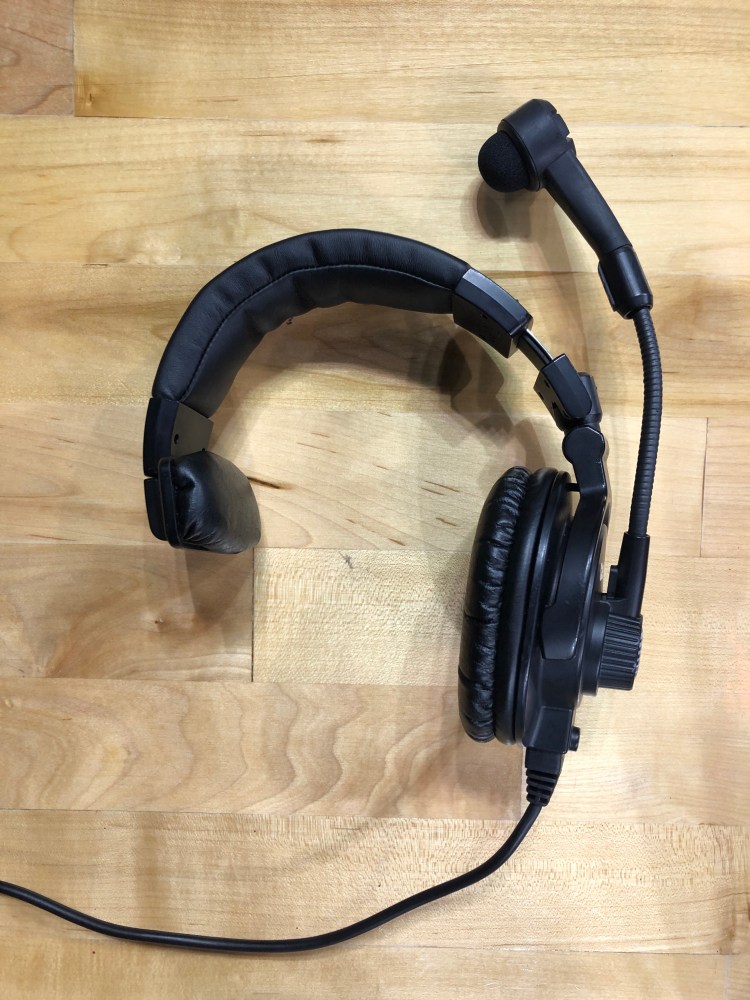
Cam 3 and Cam 4 operators have a headset on so that they know what shots to take or look for. The headset also keeps the camera operator constant contact with the control room, Broadcast Production Manager, marketing team, talent, and other cameras.